Built for contractors
Price it. Win it. Protect it.
From estimate to final payment.
AI estimating, contracts, signatures, change orders, customer approvals and project documentation — all connected in one simple system.
No complicated project management. No software degree. Built for the jobsite — not for IT experts.
See how it works.
Try the full system for $1.
$1today
30 days of full access. Then $199/month. Cancel anytime.
AI estimates. Contracts. Signatures. Change orders. Approvals. Customer updates. Documentation.
Start for $1- No long-term contract
- Cancel anytime
- Works on any phone

GrowthOS Protect is the money-side workflow for the job.
It’s a web app for contractors. You run the money side of the job from your phone: you build the quote, you price the extra work you find once you’re in there, and your customer approves it from a link — no app to install.
It is not a project management platform. It does not run your payroll, your accounting or your calendar. It handles the moments where you make money, find more money, or risk losing money — and keeps the proof of every one of them.
No app to install. No training. No new habits. If you can send a text message, you already know how to use it — and so does your customer.
- Phone
- Tablet
- Desktop
- Browser
- 01Quote
- 02Grow
- 03Protect
Now you know exactly what it is. Run your next job through it for $1.
Start for $1Describe the job.Protect helps build the estimate.
Tell Protect what the customer needs, the same way you’d explain it to another contractor. It asks the few questions it still needs, organizes the materials, estimates what they cost and puts labor and your margin on top — so you get a quote you can review and send.
You don’t need to know exactly how to build the estimate. Tell Protect what you’re doing and it walks you through it.
- 01Describe it
- 02Answer a few questions
- 03Review the numbers
- 04Send the quote
- No spreadsheets.
- No estimating software to learn.
- No need to know every answer before you start.
- AI-assisted estimating
- Your business pricing when you configure it
- Material and labor estimates
- Market pricing estimates for materials
- Profit and margin visibility
- A clear job-cost range, and every estimate saved
Estimate
Kitchen Remodel
- Regional material pricingEstimated
- Supplier price rangesEstimated
Materials
Product demo. Example numbers, not a price list.
AI asks the questions and organizes the job.
Pricing data puts real numbers on the materials.
- 01
Tell us about the job
Describe it in normal words. Protect AI asks about anything it still needs — you answer what you know.
- 02
Protect helps build the numbers
Materials, estimated pricing, labor and your margin come together in one estimate.
- 03
Review and send
Check the numbers, adjust anything you want and send the quote. The final price is always yours.
Know what to charge before you send the quote.
Next: material pricing from the suppliers you already use.
Protect prices materials from market pricing estimates today. We are building direct supplier pricing so your estimate can start from what the stores you already buy from are charging.
- Lowe’s
- Home Depot
Supplier connections are not live yet. We will say so here the day they are.
One job. One system. Five steps.
- 01
Quote it
Describe the job. AI Smart Estimate helps you build the numbers and send the quote.
- 02
Win it
The customer accepts. Turn it into a contract, get it signed and start the job.
- 03
Protect it
Keep the customer informed with photos and updates while everything gets documented.
- 04
Grow it
Find legitimate extra work, price it and get it approved before you do it.
- 05
Get paid
Close the job with nothing missing and send the customer a payment link.
The estimate is out.This is everything that happens next.
The customer accepts it, signs the contract and watches the job from their phone. You find the extra work, price it and get it approved before you touch it. And nothing closes until the proof is there.
Your customer accepts. It becomes the job.
In under a minute.
Name.
Address.
Customer.
Done.
The accepted estimate turns into the project, and your customer automatically gets a private link. They can see how the job is going from their phone, tablet or computer.
Everything starts organized from day one.
Get it in writing.
Send a contract from your phone.
Sign on screen.
Or sign in person, at the table.
Stored automatically the second it’s signed. Before a single hour gets worked.
Create the contract, get the signature and keep the agreement connected to the job.
Keep customers informed without chasing texts and calls.
No more calls.
No more repeating yourself.
No more customers asking:
“How’s the project going?”
You take photos. You upload a video. You write a line. Your customer gets a text, opens the link and sees exactly where the job stands.
They always know. You never had to stop working.
Extra work should meanextra revenue.
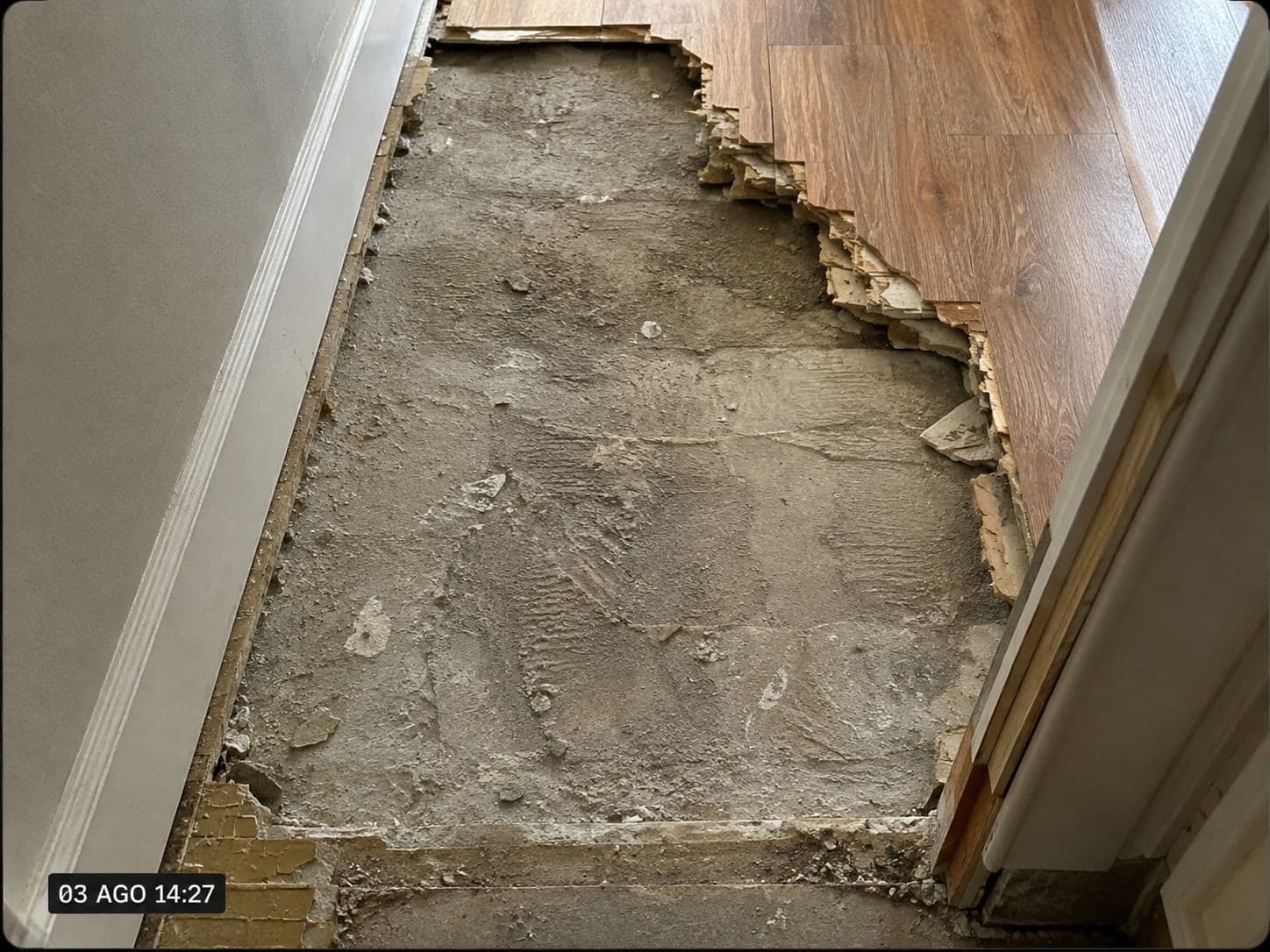
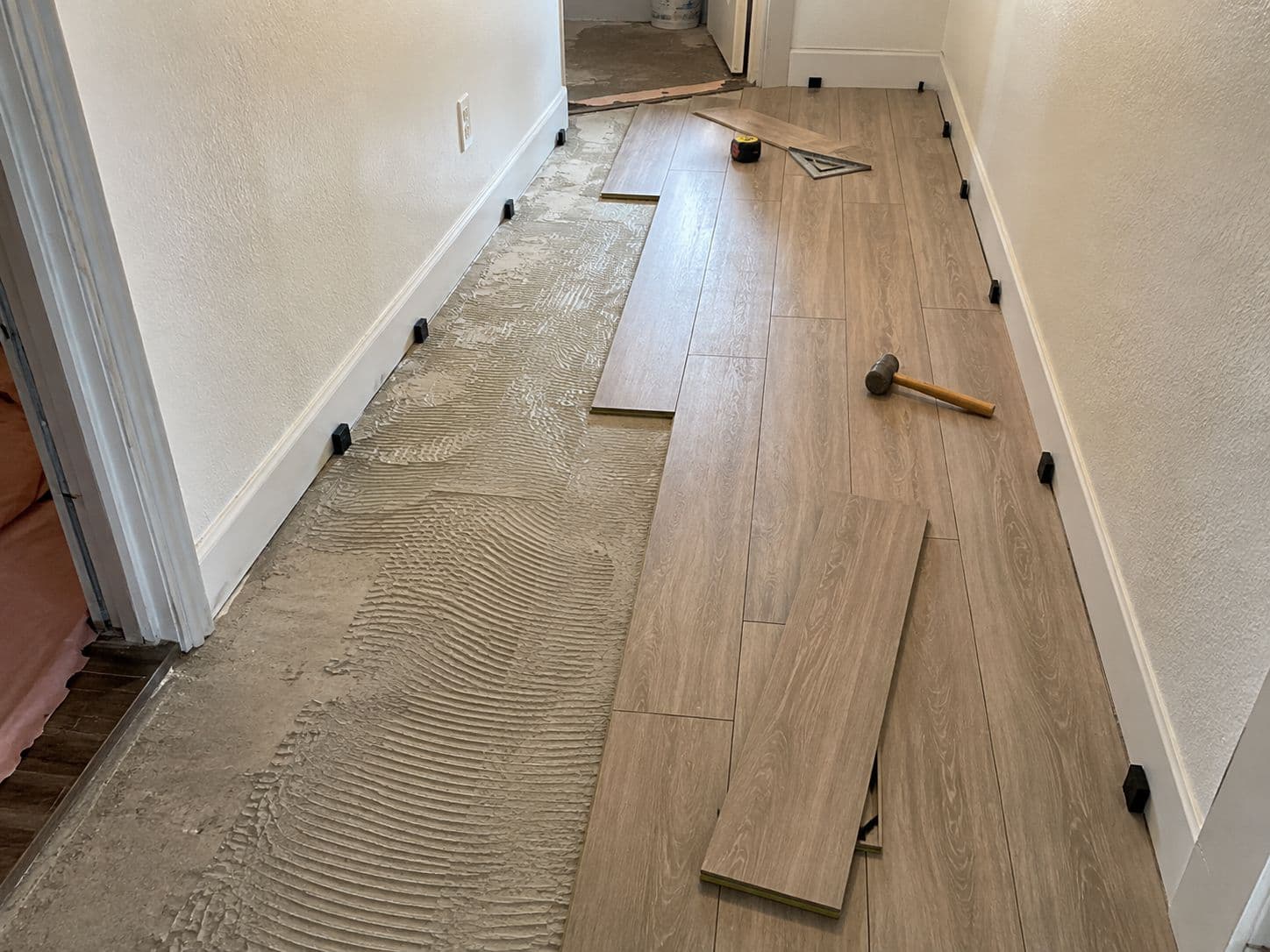
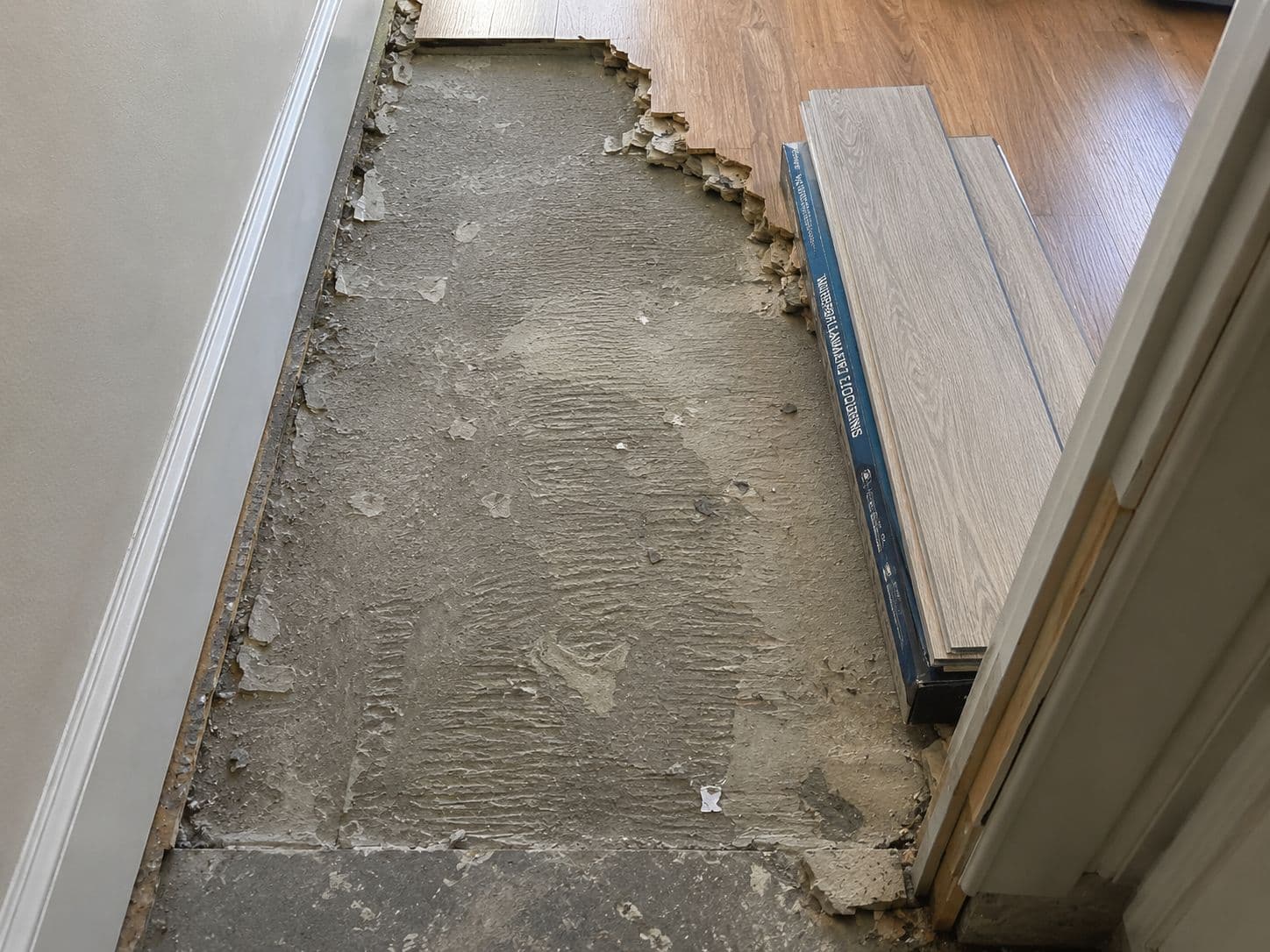
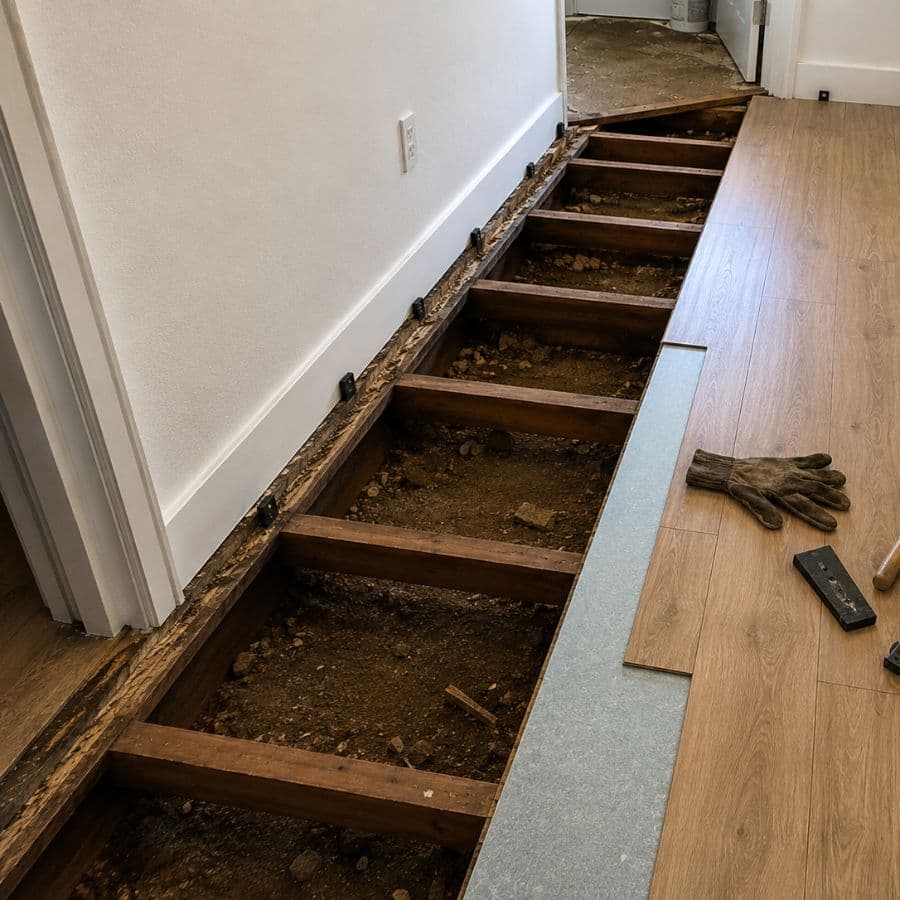
A damaged pipe. Rotten wood. Electrical problems. Water damage. Or the customer asking, “since you’re already here, how much to do this too?”
That shouldn’t become a note you forget or work you do before anyone talks about the price.
- 01Find it
- 02Price it
- 03Send it
- 04Get it approved
- 05Do the work
 Today · 9:12 AM
Extra work
Unexpected damaged pipe
Customer approved
Signed today · 9:41 AM
Saved with the project
Document the change, show the cost and get approval before the work moves forward.
One approval can be the difference between additional revenue and an expensive argument.
Turn work you discover into approved additional revenue.
Get it approved before you do the extra work.
You open the wall and find a problem. This is where contractors lose money. It takes under a minute, and it happens before you touch anything.
You, on the job site
- 1You find something behind the wall.
- 2You take a photo.
- 3You write one line explaining it.
- 4You add the cost.
Request approval.
Your customer, wherever they are
- 1They get a text message automatically.
- 2They open the link.
- 3They see the photos.
- 4They read the explanation.
Approve and sign.
Never hear“I never approved that.”Again.
Not because you win the argument. Because the argument never starts.
Every approval automatically includes
- Photos
- Digital signature
- Timestamp
- Customer confirmation
- Everything that happened on the job
Close out every job with nothing missing.
You hit Close Project. Before you do, the system checks the job for you.
Seven checks, every time. If something is missing, it tells you while you can still fix it — not three months later when the customer stops answering.
It won’t let you close a job with money still on the table.
Protect is bigger than staying out of court.
- The priceKnow what the job costs before you sell it.
- The marginAccount for materials, labor and the costs that make the project profitable.
- The opportunityTurn legitimate extra work into a quote instead of letting it disappear.
- The approvalGet the customer’s decision documented before doing the work.
- The relationshipKeep the customer informed while the project is happening.
- The proofKeep contracts, signatures, approvals, photos and changes together.
- The paymentConnect what was quoted, what was approved and what was actually done.
Priced. Won. Approved. Documented. Paid. That is the whole job.
Start my 30 days for $1The most expensive work…is the work you already finished.
Not the job you lost. The job you built, paid for out of pocket, and never got approved.
One project
Kitchen Remodel
Or it keeps going
- 01Legal dispute
- 02Attorney
- 03Expert witness
- 04Project delay
- 05Lost payment
- 06Months of your time
None of that happened because somebody built badly.
It happened because a conversation never got written down.
“The customer portal alone cut the number of phone calls we receive every day.”
Michael R.
Kitchen & Bath RemodelingRiverside, CA
“I finally have every approval in one place.”
David M.
General ContractorPhoenix, AZ
“The easiest change order process we’ve ever used.”
Tony S.
RoofingFort Worth, TX
“My customers love seeing progress without having to ask.”
Luis A.
Flooring & TileOrlando, FL
“Being able to see what happened and when has already saved us twice.”
Brian K.
RestorationDenver, CO
“I spend way less time digging through text messages.”
Marcus W.
ElectricalCharlotte, NC
“Sending a contract takes about a minute now.”
Ray D.
Concrete & HardscapeSacramento, CA
One approval nobody wrote down costs more than a year of this.
Start my 30 days for $1Built for the way contractors actually work.
We kept seeing great contractors lose time and money for the same reason.
For more than 20 years, we've watched important conversations, approvals, photos and changes end up scattered across texts, phones and memory.
So we built one simple place to keep the customer informed — while automatically keeping everything that matters.
You're not learning new software.
You're just doing your job — with everything documented.
Everything you get with GrowthOS Protect.
Price the job. Win it. Document every approval. Get paid.
One ridiculously simple workflow.
Price it
Know what to charge before you send the quote.
- AI Smart Estimate
- AI-assisted material list
- Market pricing estimates
- Your pricing profile when configured
- Materials + quantities
- Labor
- Margin / markup
- Profit visibility
- Final customer price
- Saved estimate history
Win it
Turn the opportunity into a signed job.
- Professional estimate delivery
- Contract templates
- Digital contracts
- Digital signatures
- Sign on screen or in person
- Customer approvals
- Extra-work pricing
- Change requests sent to the customer
- One-click customer approval
- Approval saved with the project
- Quote it
- Send it
- Get it signed
- Start the job
Protect it
Keep the proof behind every dollar.
- Change orders
- Customer approvals in writing
- Progress updates
- Project photos
- Customer portal
- Customer notifications
- Jobsite documentation
- Project history & evidence
- Complete change-order record
- Closeout status / checklist
Get paid.
Finish the job. Send the link. Get paid.
- Send customer payment requests
- Secure Stripe-powered payment links
- Customer pays by credit card
- Payment tied to the project
- Payment status
- Payment confirmation
- No customer app required
- Phone + tablet + desktop
- AI assistance
- Customer links
- Project notifications
- Bilingual English + Spanish
$1today
Then $199/month. Cancel anytime.
Everything above, for 30 days, for a dollar.
Built for the jobsite — not for IT experts. Your customer doesn’t need to install an app.
Run your next job through Protect for $1.
Get the full GrowthOS Protect system for 30 days.
- AI Smart Estimate
- Contracts & signatures
- Change orders & approvals
- Customer portal & updates
- Photos & project documentation
- Full project record
$1today
Then $199/month. Cancel anytime.
No promo code. No coupon. Nothing to enter — $1 is the price.
Run your next job through Protect for $1.
Get the full GrowthOS Protect system for 30 days. Price it, win it, protect it and get paid — starting with the next one.
$1today
Then $199/month. Cancel anytime.
- No long-term contract
- Cancel anytime
- Works on any phone
Questions? Use the chat in the corner.